Decentraleyes: check local replacements and repair a site
Check what Decentraleyes replaces, keep missing-resource blocking under control and recover a broken site without confusing a site exception with disabling the extension.
Get extension
Choose what an extension handles: passwords, third-party tracking or page filtering. Start with the task and your browser, then check the developer, site access and a way to undo exceptions. Bitwarden, Privacy Badger and uBlock Origin solve different problems; use the entries below to choose a starting point.
Check uBlock Origin and Lite support for your browser, then choose filtering controls and reversible site exceptions.
Understand Privacy Badger's tracker controls and restore a blocked widget without disabling protection everywhere.
Start with Bitwarden for matching website addresses, unlocking your vault and choosing when to fill a login.
Check what Decentraleyes replaces, keep missing-resource blocking under control and recover a broken site without confusing a site exception with disabling the extension.
Get extensionClean known tracking parameters, keep original links and use the global pause carefully when a site breaks.
Get extensionChoose one host and path, inspect the destination, and keep exclusions and request types under control in the original Firefox Redirector.
Get extensionKeep the logins you need, check what cleanup covers, and avoid changing browser protection to fit an outdated extension.
Get extensionKeep two accounts open on the same website, choose when to assign a site and repair a wrong container without deleting your sign-ins.
Get extensionControl temporary Firefox sessions without confusing new tabs, link isolation, cookie cleanup and browser-history deletion.
Get extensionReplace supported CDN libraries locally, understand the shipped defaults and restore a broken site with a narrow exception.
Get extensionCheck the plan, choose the right login and preserve recovery options before changing browser data.
Get extensionChoose the right login or alias, approve the save prompt and preserve access before changing security settings.
Get extensionChange the filtering mode for the current site, then check the site again.
Separate private search from page protection, understand browser differences and recover a broken site with a reversible exception.
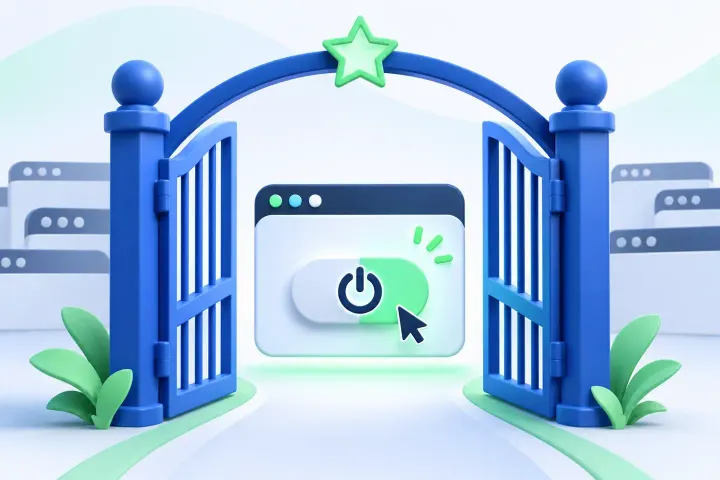
Get extensionAllow one website with the original uBlock Origin power button, check the hostname scope and restore filtering when the exception is no longer needed.