Toby: save reusable tab collections and control sharing
Start with a small collection, verify saved links, choose who can see them and retain an export before reorganizing your browser.
Get extension
Choose the right way to work with pages: save tabs and bookmarks, capture a page or recording, collect research, or navigate with the keyboard. Start with the task, then check storage, sharing and recovery limits before moving important work.
Start with OneTab to save page links and reopen them later. Check transfer and backup options before moving your list.
Use Raindrop.io for links you want to organize and find again. Compare the free library with paid search and archive features.
Use SingleFile when you need a local HTML file. Check which parts of the loaded page can be kept offline.
Start with a small collection, verify saved links, choose who can see them and retain an export before reorganizing your browser.
Get extensionChoose the right capture source, finish your video, and check viewer access before sending its Loom link.
Get extensionBuild a small new-tab dashboard without confusing the daily goal, saved tasks or paid integrations.
Get extensionChoose the right destination, verify the saved content and separate official clipping from third-party capture tools.
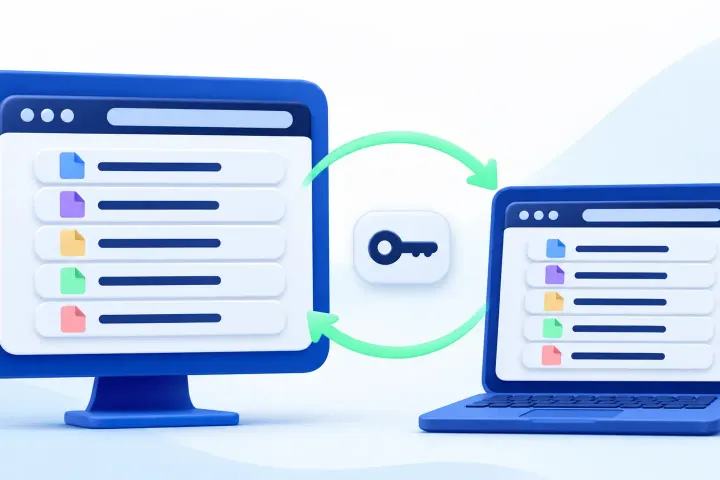
Get extensionUse encrypted sync or a manual export according to the browser and the data that must move.
Choose the matching symptom and preserve accessible saved links before changing the extension.
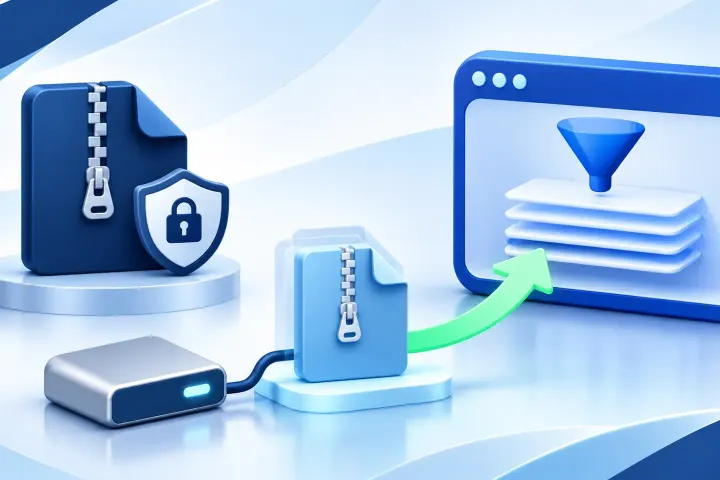
Preserve the surviving data and identify the backup format before attempting restoration.
A practical SingleFile review: making portable page copies, checking what survived, and choosing safe capture settings.
Get extensionA practical Raindrop.io review: saving and finding pages, deciding on Pro, and keeping a recoverable bookmark library.
Get extensionA practical review of OneTab: clearing tabs, finding saved links, choosing sync and protecting your collection.
Get extension